 PL
PL EN
ENThe InPost – Tale Commerce app does one thing: it lets the customer select a pickup point in checkout. You’ll find the ID of the selected point next to every order in Shopify. The app itself does not create shipments, generate labels or tracking numbers, and does not connect to your InPost account or the InPost Parcel Manager - that’s what the tools below are for. How you ship the parcels is up to you, and here are our tried-and-tested recommendations.
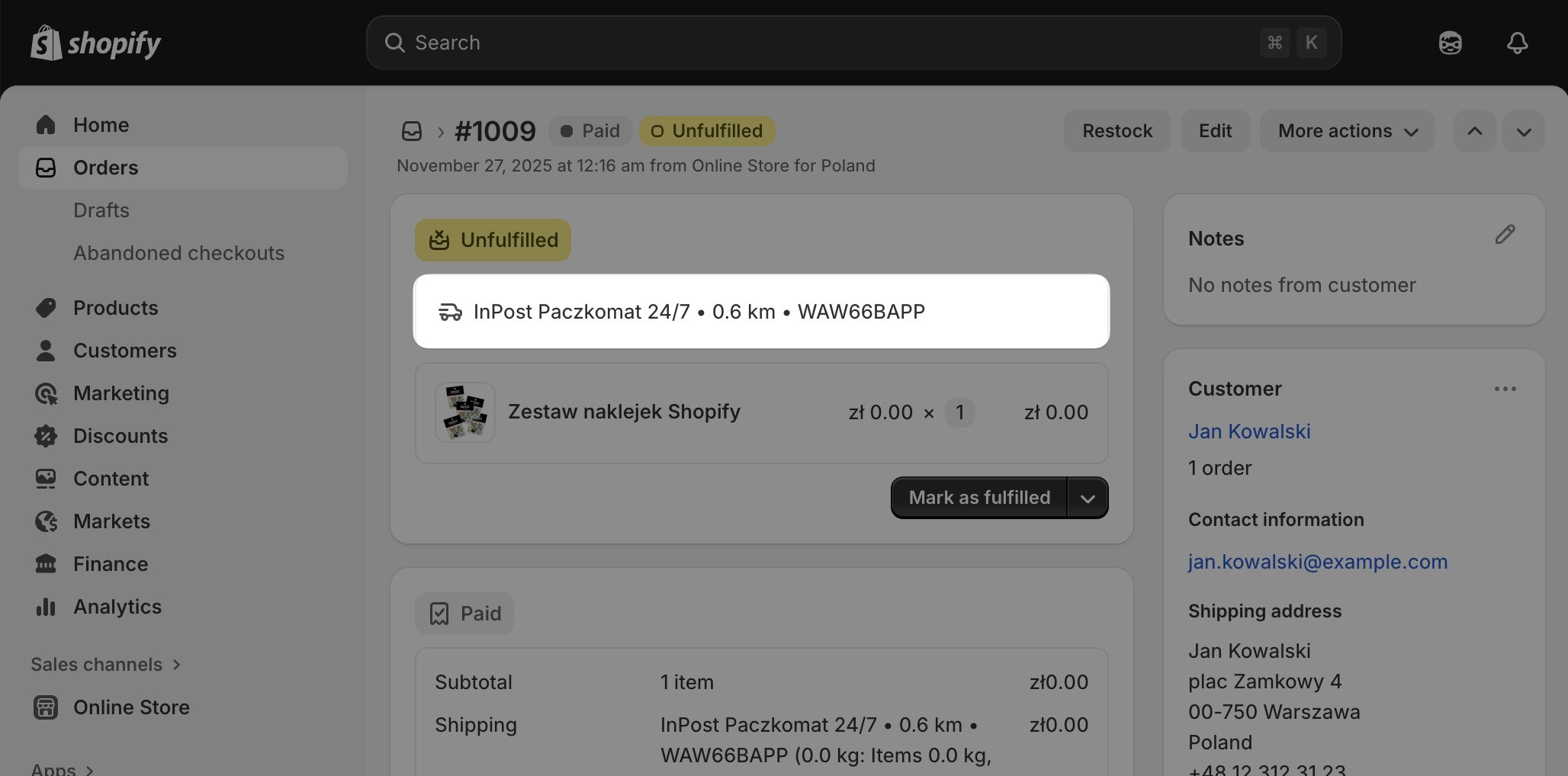
Shipping from Poland
- Base (formerly BaseLinker) - the InPost app automatically passes the pickup point ID to Base. You can ship through brokers or a direct InPost integration.
- Apilo - works the same way: the pickup point ID is passed to Apilo automatically, and you can ship through brokers or a direct InPost integration.
- The Furgonetka broker - their Shopify integration automatically imports address details along with the pickup point ID.
- Manual shipping - for smaller stores, it’s enough to copy the address and pickup point ID into any broker or the InPost Parcel Manager.
Shipping from other countries (UK, Italy, Spain)
For countries other than Poland we don’t have specific recommendations yet. The generic approach always works: take the pickup point ID from the Shopify order and create the shipment manually - through your preferred broker or directly via your local InPost account: